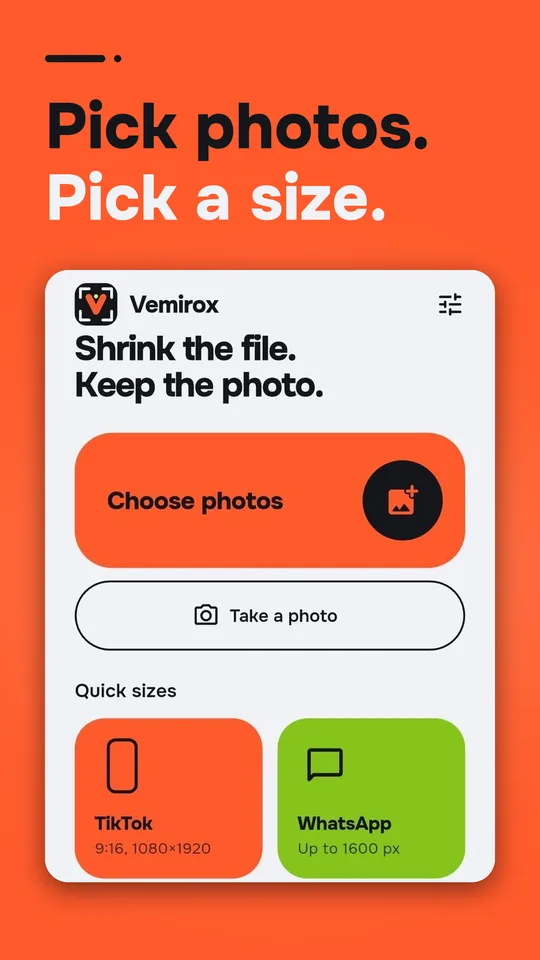
Tell Vemirox the size you need, like 200 KB for a form upload, and it picks the best quality that fits. No account. Your photos never leave your phone.
Free for Android · 7 languages · Optional one-time purchase to remove ads
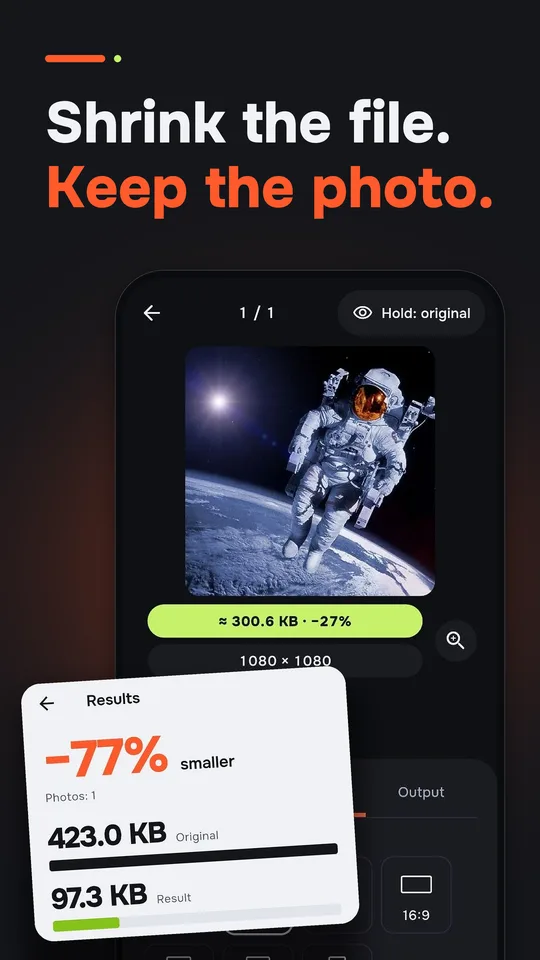
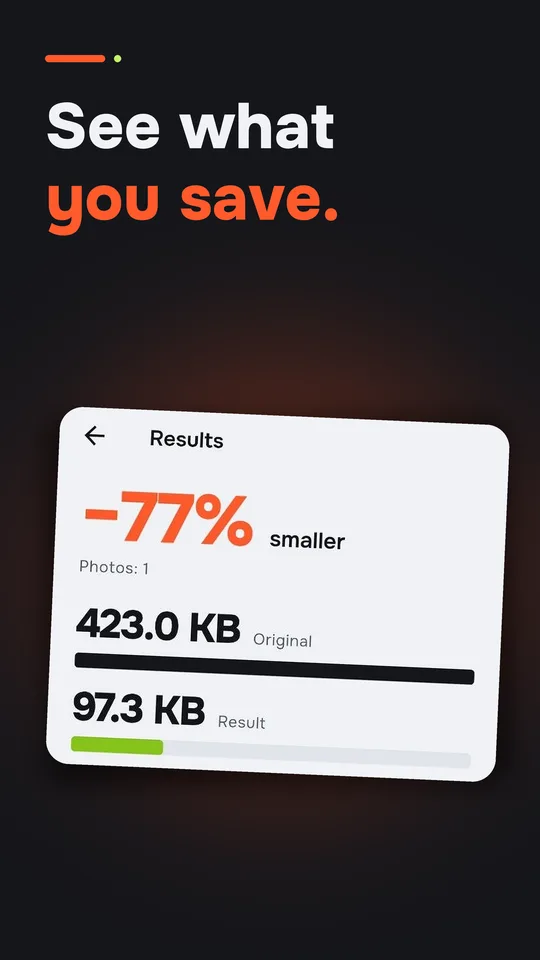
Set a target like 100 KB or 1 MB. Vemirox finds the highest quality that fits under the limit.
Scale to a percentage of the original, or type a width and height and keep the ratio.
TikTok, WhatsApp, Instagram, email, and visa and ID photos in 35×45 mm or 2×2 inch.
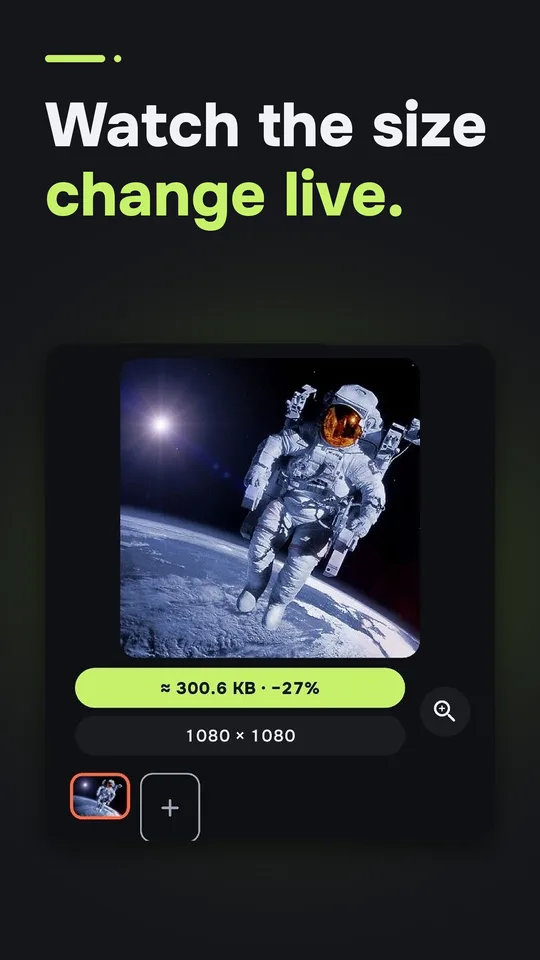
See the result before you save. Hold to compare with the original.
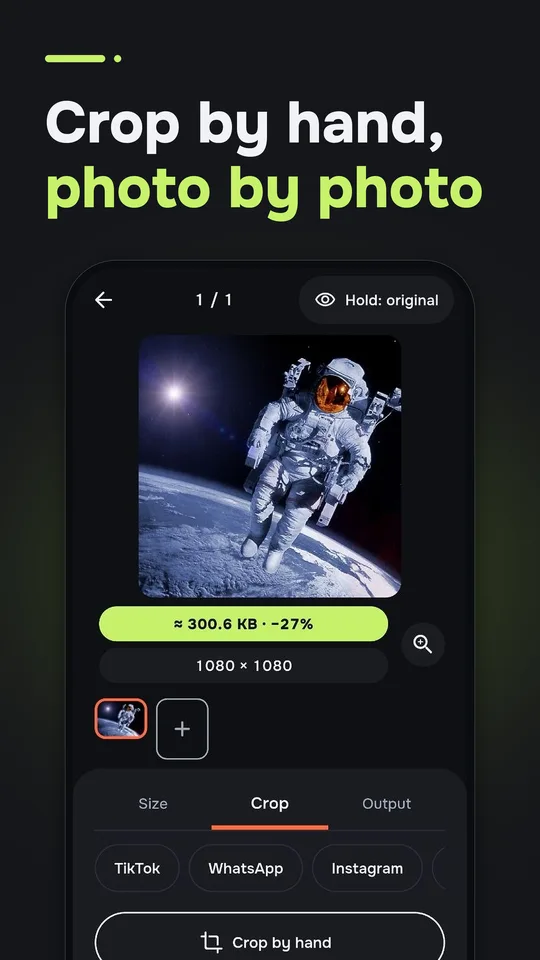
Drag the frame photo by photo, or apply one ratio to all. Rotate and flip too.
Resize a whole batch with the same settings, then save or share them all.
Photos are processed on your phone. The app asks for no photo-library permission. Remove location and camera data with one switch.
Resizing needs no internet. JPG and PNG output.
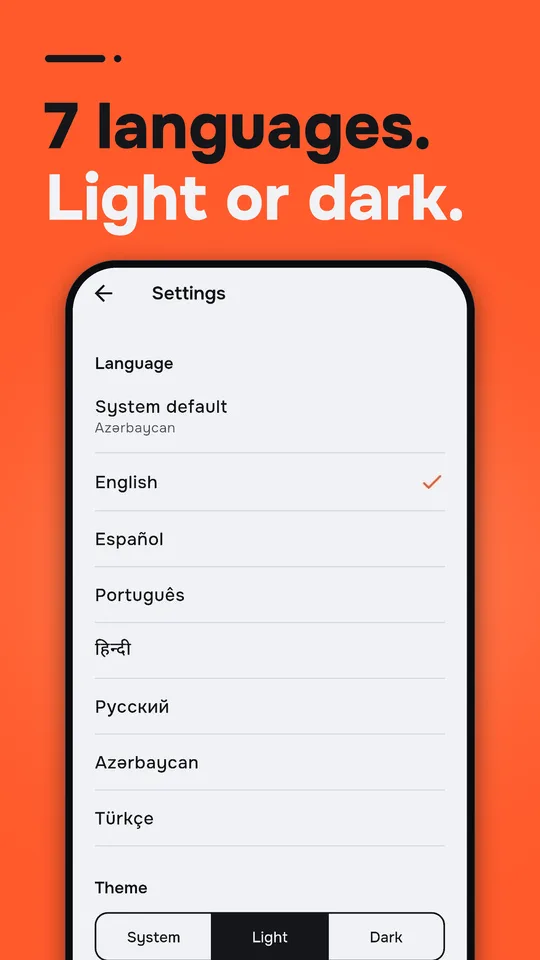
English, Español, Português, हिन्दी, Русский, Azərbaycanca and Türkçe.


Pick a preset, check the live preview, save. You can still change every value by hand.